
Insights & Recommendations
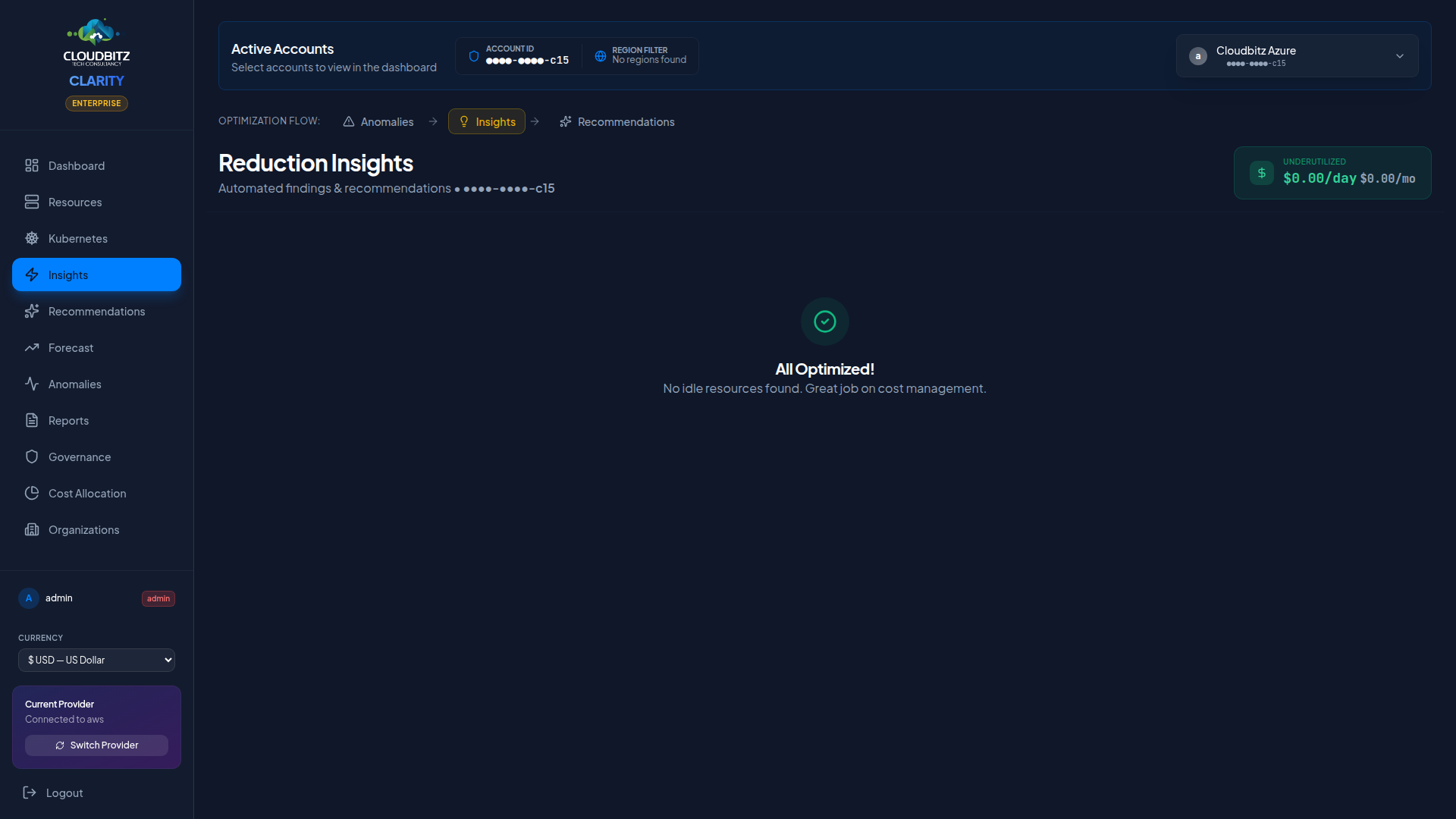
The Insights page is where CLARITY surfaces optimization opportunities across your cloud infrastructure. It combines automated analysis with AI validation to help you reduce waste and right-size your resources.
Insights vs. Recommendations
CLARITY distinguishes between two types of findings:
| Type | Purpose | Example |
|---|---|---|
| Insight | An observation about resource behavior | "This VM averages 3% CPU over the past 30 days" |
| Recommendation | An actionable step to reduce cost | "Downsize from m5.xlarge to m5.large — save $45/month" |
Insights provide context. Recommendations provide a clear next step with an estimated savings figure.
Insight Categories
Peak Patterns
Identifies resources with predictable usage spikes. Useful for scheduling scale-up/scale-down or considering Spot/preemptible instances during off-peak hours.
Idle Resources
Resources consuming less than 5% of their capacity over a sustained period. These are strong candidates for termination or consolidation.
Underutilized Resources
Resources running between 5-30% capacity. Not idle, but significantly overprovisioned for their actual workload.
Oversized Resources
Resources where the current instance size far exceeds what the workload requires. Right-sizing these yields immediate savings without impacting performance.
Minimum Cost Threshold
Only resources costing more than $10/month are flagged. Low-cost resources are excluded to keep the signal-to-noise ratio high.
Provider-Specific Insights
Each cloud provider has unique optimization opportunities:
AWS
- NAT Gateway optimization — Identify expensive NAT traffic that could use VPC endpoints
- ECR lifecycle policies — Flag repositories without image cleanup rules
- EBS volume optimization — Detect unattached or underutilized volumes
- ECS/Fargate right-sizing — Analyze container CPU and memory reservations
Azure
- Stopped VM billing — Deallocated VMs that still incur disk charges
- Unattached managed disks — Orphaned disks with no associated VM
- App Service plan consolidation — Underutilized plans that could be merged
GCP
- HA in development — High-availability configurations on non-production workloads
- Persistent disk snapshots — Old snapshots consuming storage unnecessarily
- Idle Cloud SQL instances — Databases with minimal query activity
Recommendation Types
Right-Sizing
Suggests a smaller (or larger) instance type based on observed CPU, memory, and network utilization. Each recommendation shows:
- Current instance type and cost
- Recommended instance type and cost
- Estimated monthly savings
- Utilization metrics that support the recommendation
Commitment Purchase
Recommends Reserved Instances, Savings Plans, or Committed Use Discounts based on your steady-state usage. See the Commitments page for details.
Resource Cleanup
Identifies resources that can be safely deleted:
- Unattached storage volumes
- Old snapshots beyond retention policy
- Unused Elastic IPs or static addresses
- Idle load balancers with no targets
Effort Classification
Each recommendation includes an effort estimate:
| Effort | Description | Examples |
|---|---|---|
| Low | Can be done in minutes, minimal risk | Delete unattached disk, remove old snapshot |
| Medium | Requires testing or a maintenance window | Right-size a VM, modify an instance type |
| High | Involves architecture changes or migration | Move to Spot instances, consolidate services |
Savings Estimation
Every recommendation includes an estimated monthly savings figure. Savings are calculated using:
- Current resource cost (from billing data or pricing catalog)
- Recommended resource cost (from the provider's pricing)
- The difference, projected to a monthly figure
WARNING
Savings estimates are projections based on current usage patterns. Actual savings may vary if workload characteristics change after implementation.
AI Validation
When AI analysis is enabled, each insight is validated by an AI model that reviews the underlying data and context. Validation results appear as badges:
| Badge | Meaning |
|---|---|
| Agree | AI confirms the recommendation is sound |
| Disagree | AI found reasons the recommendation may not apply |
| Partial | AI agrees with the finding but suggests a different action |
Explain Button
Click the Explain button on any insight to get an AI-generated explanation that covers:
- Why this resource was flagged
- What the usage data shows
- Whether the recommendation is safe to implement
- Any risks or caveats to consider
TIP
AI explanations are cached for 24 hours. Subsequent clicks return the cached explanation instantly.